Motion Detection CPI: 50 to 3200 CPI
Typical @1000 CPI
Tracking Speed, up to 24 inches/second
Innovative ID Design
The product can be paired with three frequently used devices via Bluetooth, each supporting three operating modes: Entertainment Mode, Sports Mode, and Mouse Mode. The detachable ring design allows for easy customization with different colors to suit individual aesthetic preferences, and is available in multiple sizes to fit various finger dimensions.

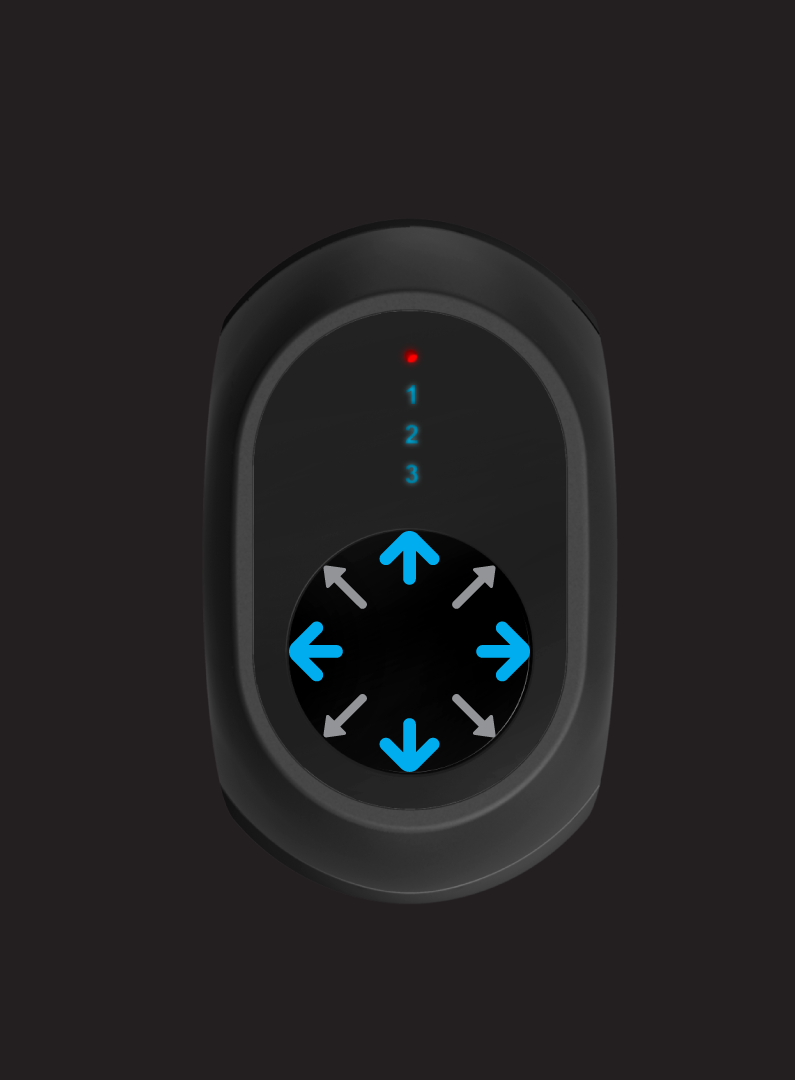
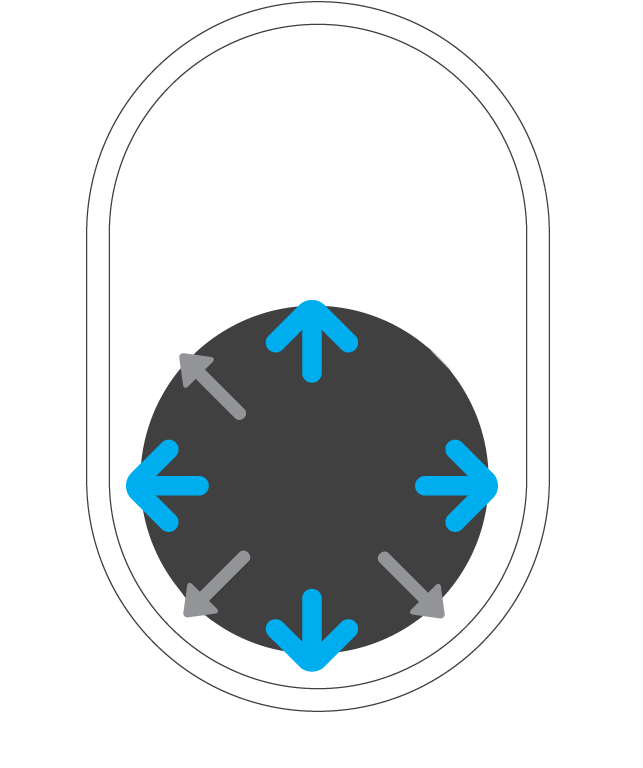
Swipe Up, Swipe Down, Swipe Left, Swipe Right
Diagonal Swipes: Up-Right, Down-Right, Up-Left, Down-Left
Tap Single Click, Double Click
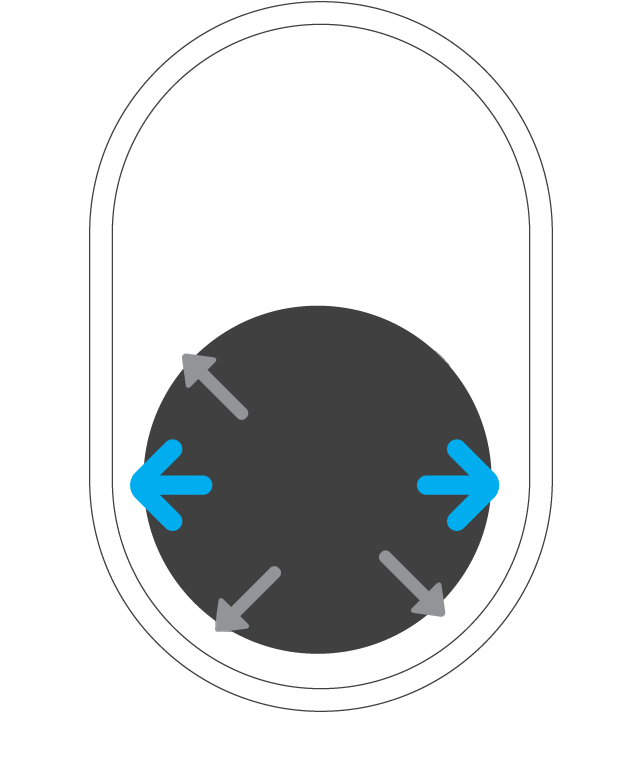
Diagonal Swipes: Up-Right, Down-Right, Up-Left, Down-Left
Tap Single Click, Double Click
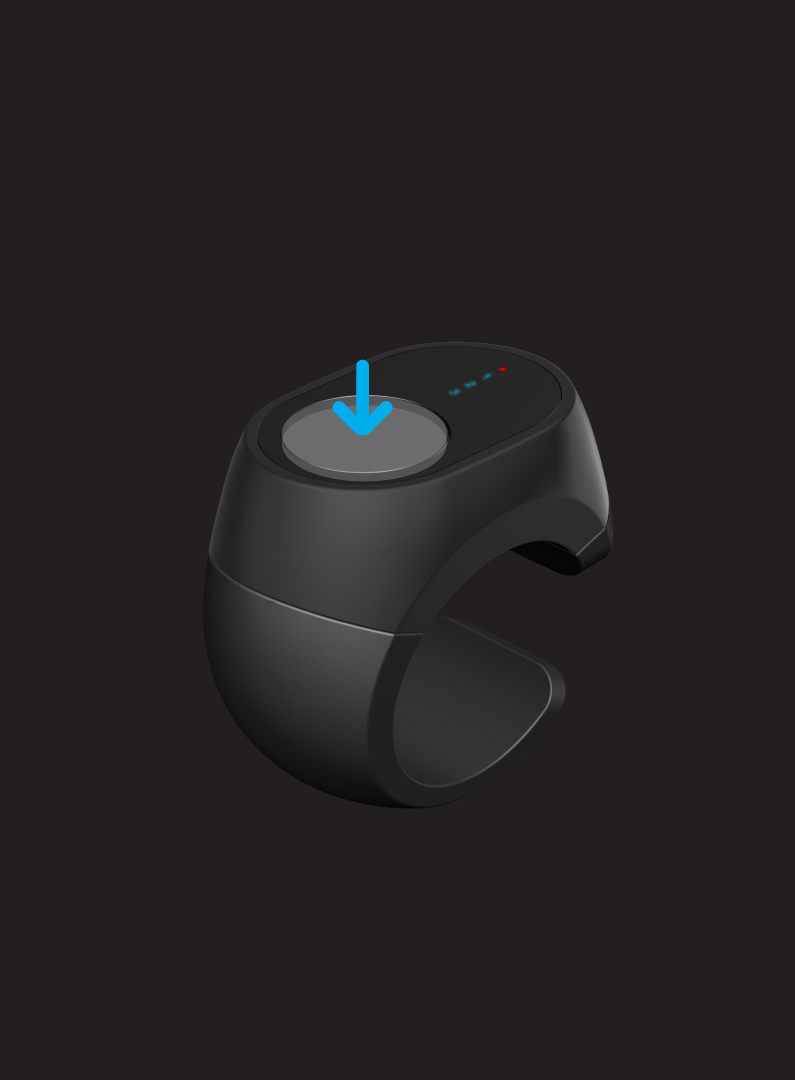
| Status | TS Button |
| Wake from Sleep | Press 1 time [less than 0.5 seconds] |
| Power Off | Press 5 times consecutively |
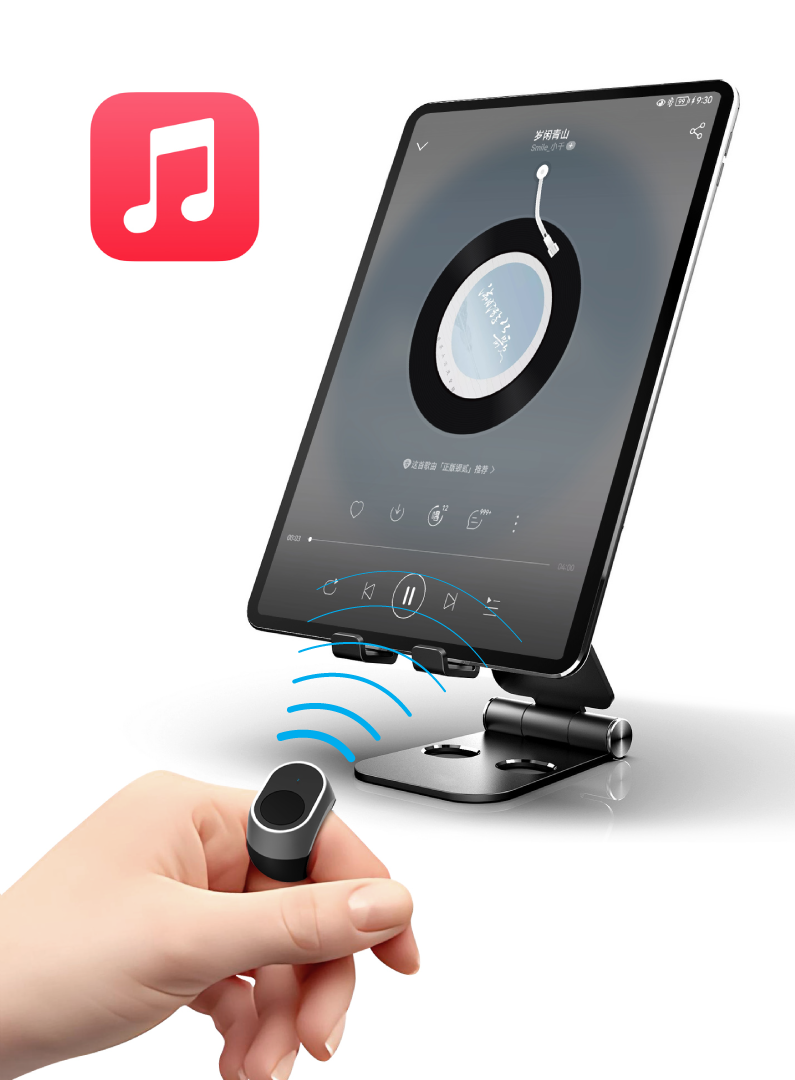
| Switch between Navigation A / Music B / Mouse Mode C | Press quickly 2 times |
| Switch Bluetooth 1, 2, 3 | Press quickly 3 times |
| Force Clear Pairing | Press and hold the button for 5 seconds to clear the current Bluetooth pairing; press and hold for more than 10 seconds to clear all pairings |
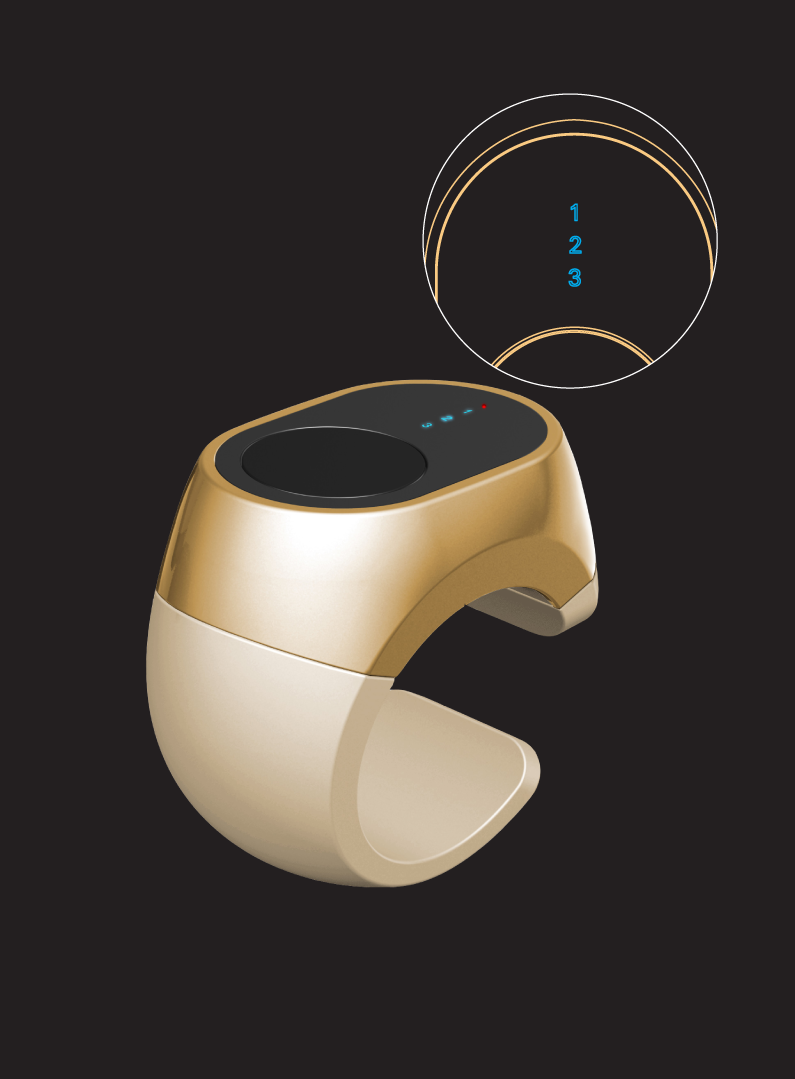

For example: when currently on Bluetooth 2 and switching to Navigation Mode, the blue light for character 2 flashes once, and the motor vibrates once. When switching to Music Mode, the blue character 2 flashes twice, and the motor vibrates twice.
When the current Bluetooth is not paired, the corresponding blue LED remains constantly on, and double-clicking the button to switch modes is invalid.
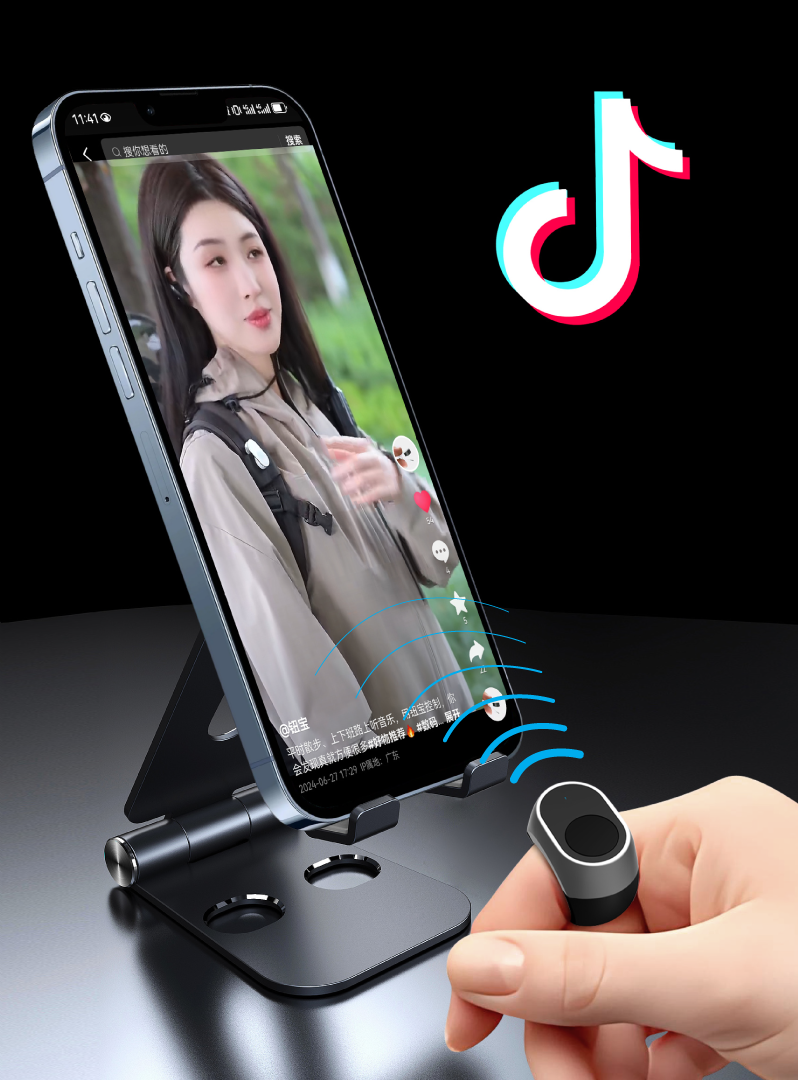
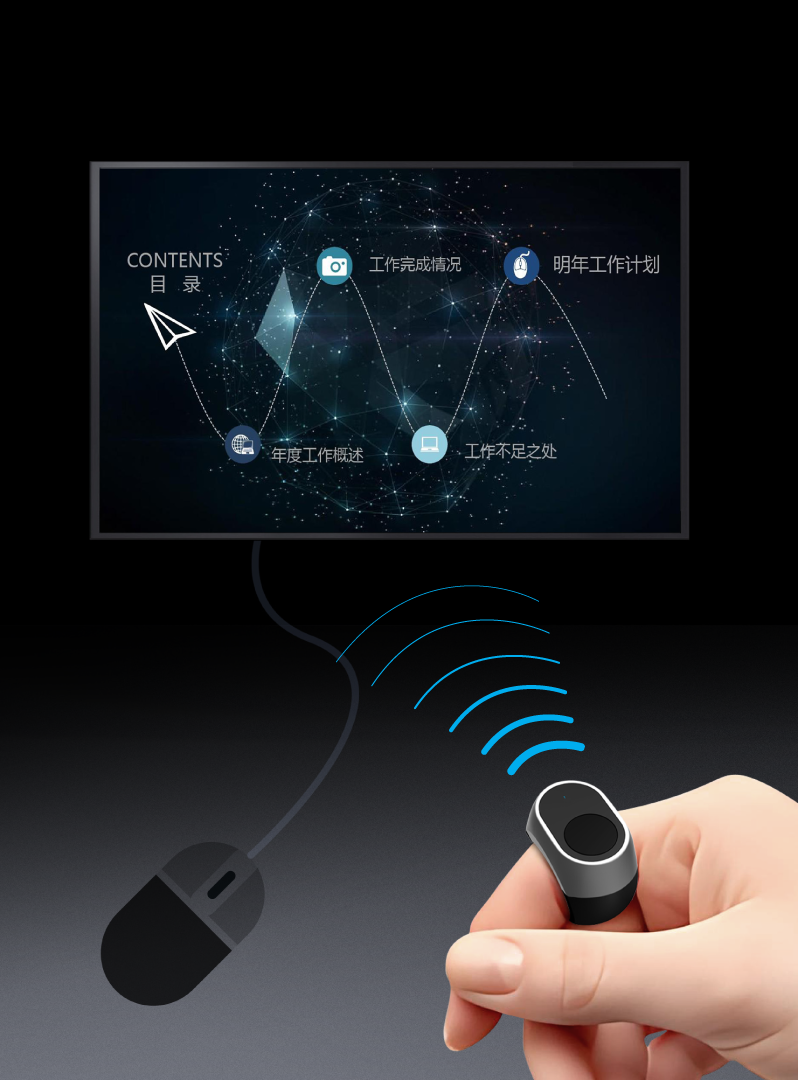
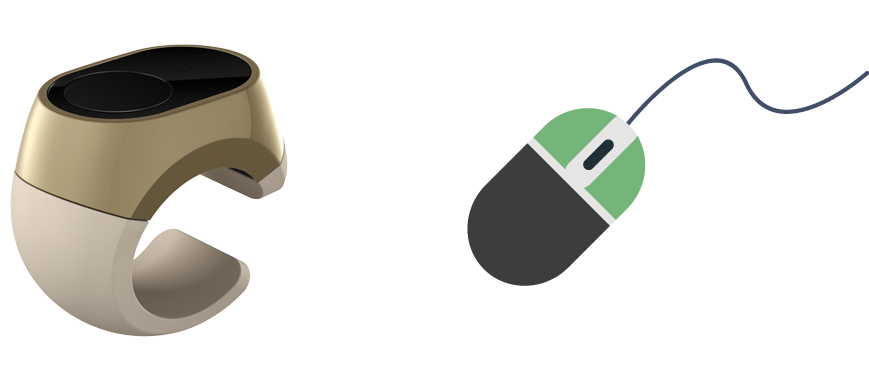
Single-click the TS button to switch between Mouse Function and Mouse Scroll Wheel Function:
Mouse Function (Single Click OFN = Left Mouse Button)
Mouse Scroll Wheel Function (Double-click OFN to cycle through speed levels)
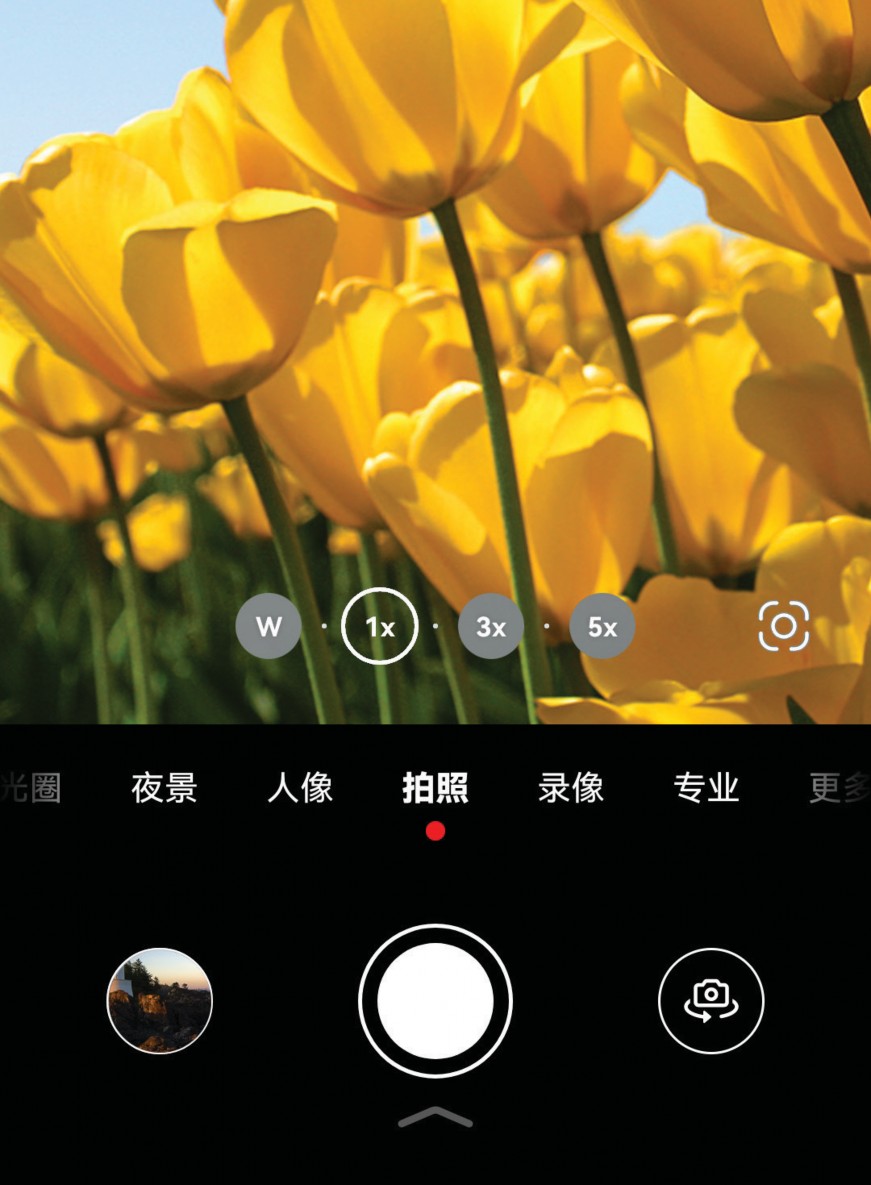
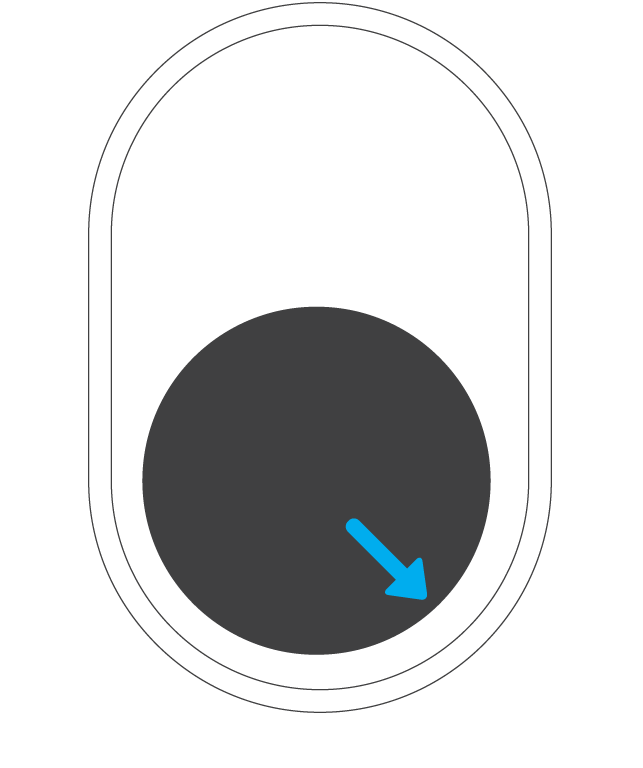
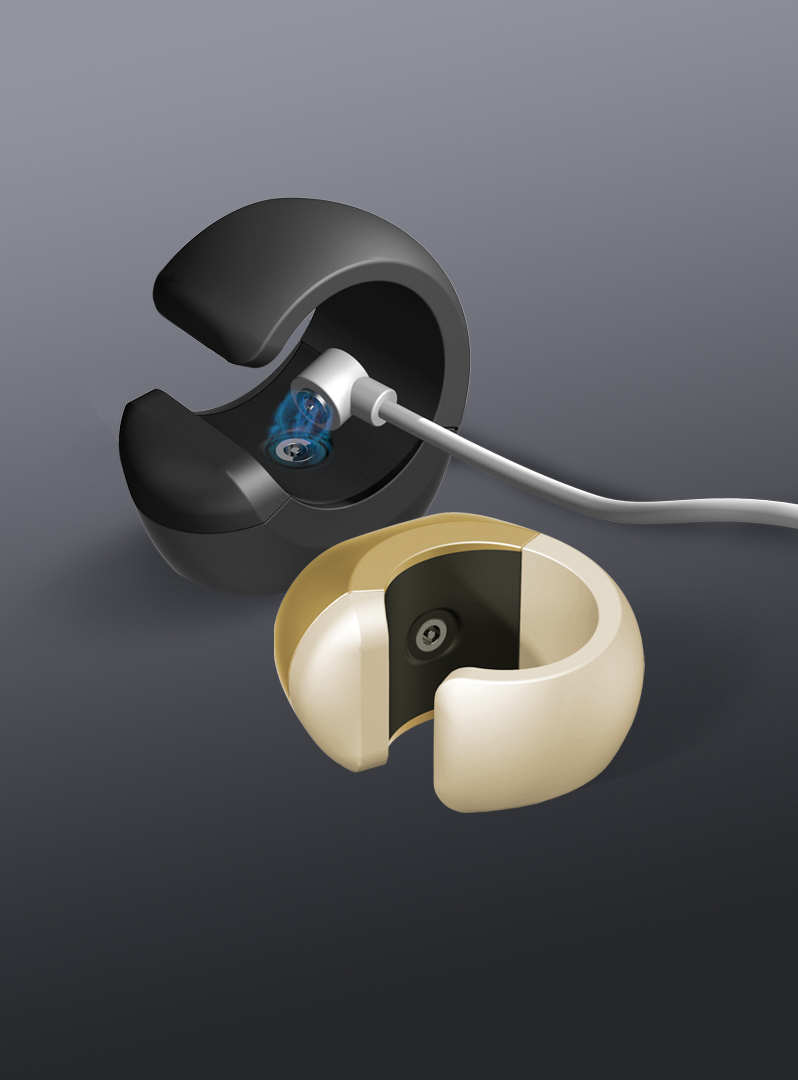
Lithium Battery Capacity:
3.7V/17mAh
Charging Current: ≤25mA
Charging Time: ≈1 hour
Continuous Working Time When Fully Charged: ≈7 hours
Continuous Standby Time When Fully Charged: >1 month
Charging Current: ≤25mA
Charging Time: ≈1 hour
Continuous Working Time When Fully Charged: ≈7 hours
Continuous Standby Time When Fully Charged: >1 month
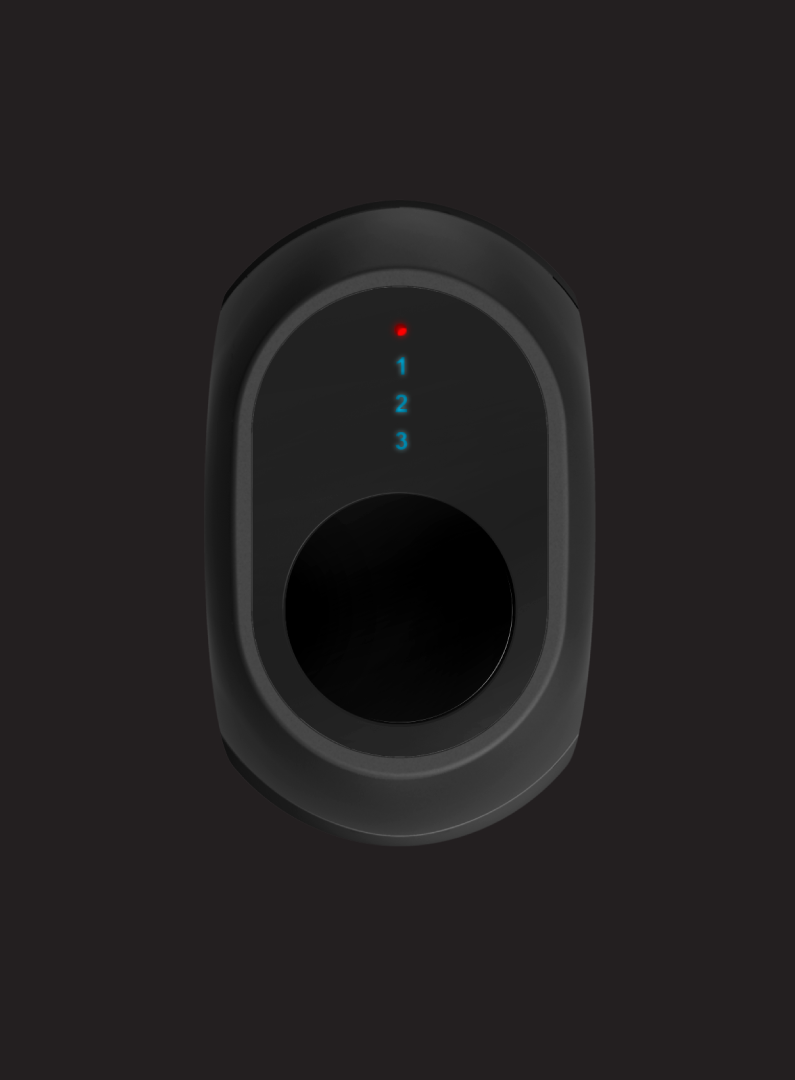
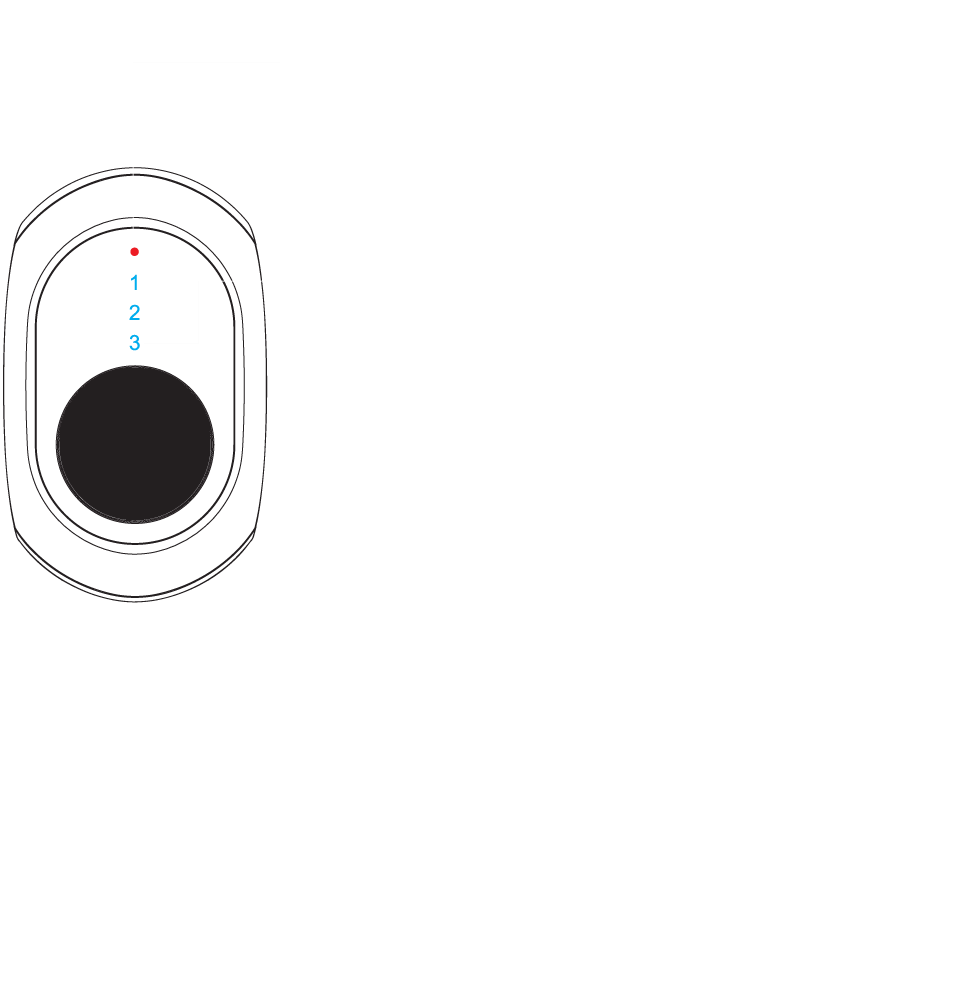
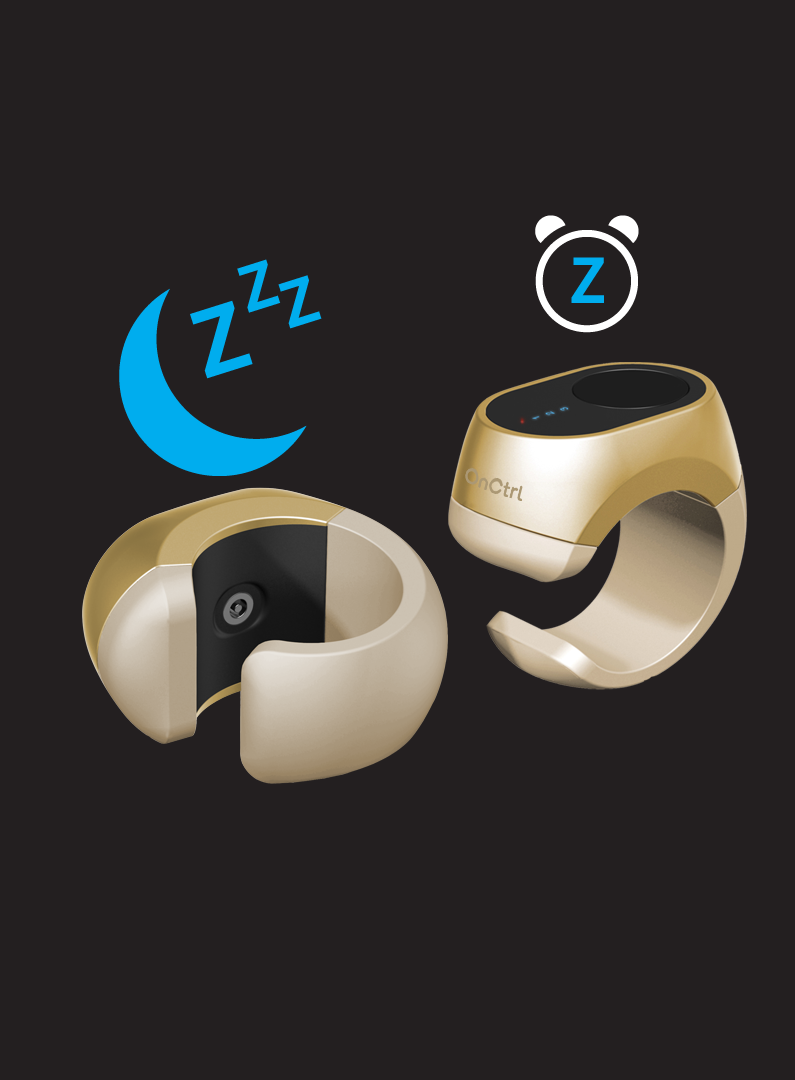
1. Press and hold the TS button for one second to turn on; the whole system returns to the working state before shutdown and displays the current Bluetooth pairing status. Blue light constantly on indicates not paired; blue light flashes once indicates there is a pairing. If the connection is successful, flashing 1, 2, or 3 times indicates that the current mode is Navigation, Music, or Mouse mode respectively.
2. Press the TS button 5 times consecutively; the red light flashes once, then the device powers off. Press and hold the TS button for 1 second to power on.
3. When Bluetooth is not connected and there is no operation for 60 seconds, the main controller enters shutdown mode.
2. Press the TS button 5 times consecutively; the red light flashes once, then the device powers off. Press and hold the TS button for 1 second to power on.
3. When Bluetooth is not connected and there is no operation for 60 seconds, the main controller enters shutdown mode.
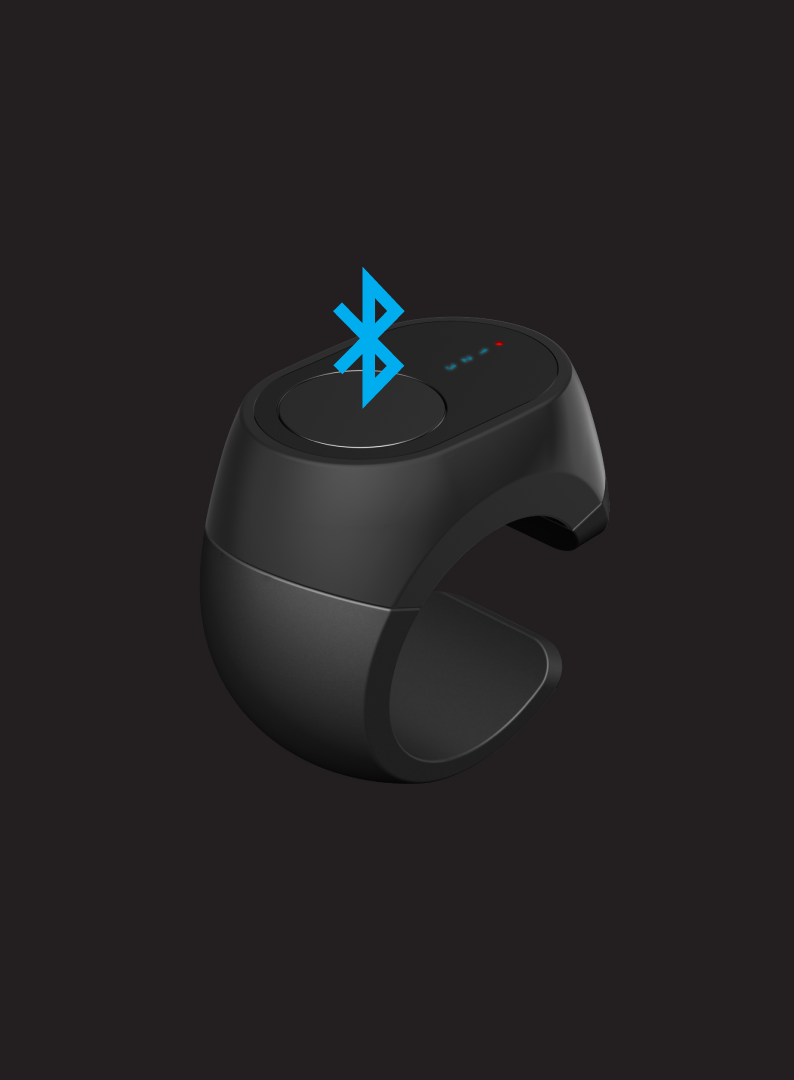
Bluetooth Pairing:
Open the Bluetooth settings on your phone, search for "Ring Control", click to connect. Some phones may prompt a pairing confirmation; just click "OK". After successful Bluetooth pairing, you can see it is connected on your phone. The blue light of the current mode on the Ring Control will flash once, and the motor will vibrate once, indicating that the Bluetooth pairing is successful.
Clear Pairing:
After pressing and holding the TS button for 5 seconds, the blue light of the current mode on the Ring Control flashes twice, and the motor vibrates twice, clearing the current Bluetooth pairing.
Open the Bluetooth settings on your phone, search for "Ring Control", click to connect. Some phones may prompt a pairing confirmation; just click "OK". After successful Bluetooth pairing, you can see it is connected on your phone. The blue light of the current mode on the Ring Control will flash once, and the motor will vibrate once, indicating that the Bluetooth pairing is successful.
Clear Pairing:
After pressing and holding the TS button for 5 seconds, the blue light of the current mode on the Ring Control flashes twice, and the motor vibrates twice, clearing the current Bluetooth pairing.
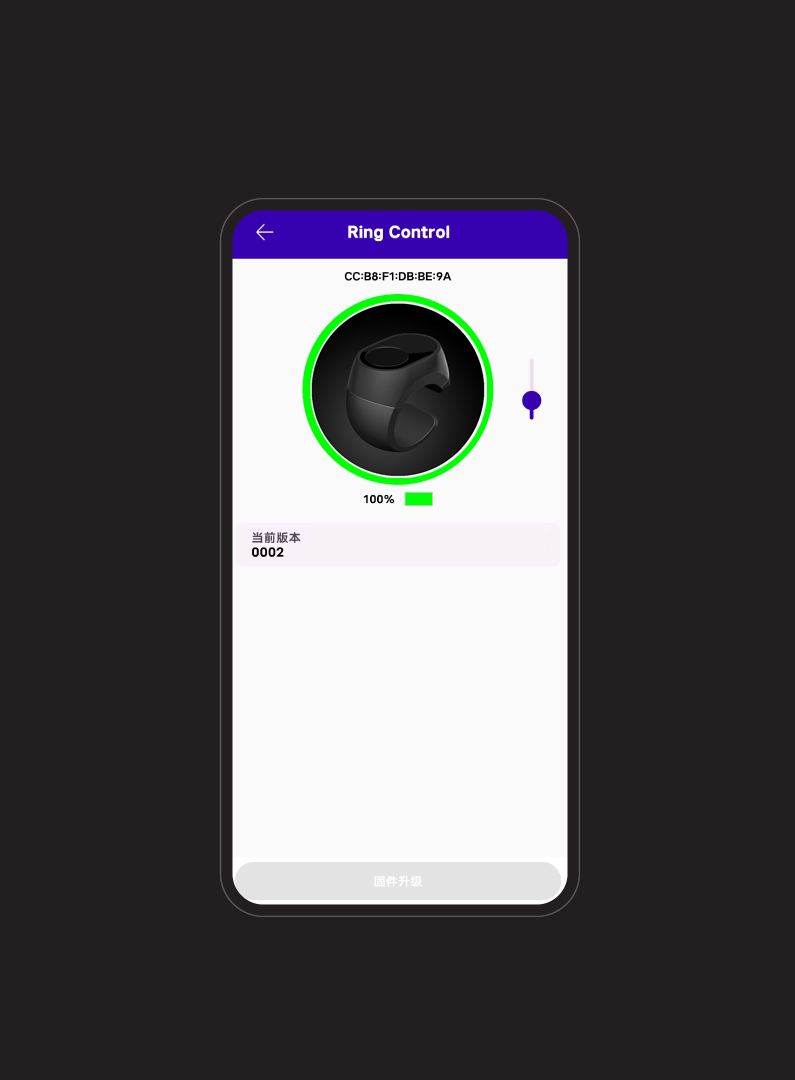
The APP can view Ring Control battery level and version information, and supports FW upgrades:
1. APP supports Ring version management
2. APP supports cloud-based new version detection
3. Ring function mode on/off control (requires APP v1.6 or later)
4. APP supports OTA upgrades
1. APP supports Ring version management
2. APP supports cloud-based new version detection
3. Ring function mode on/off control (requires APP v1.6 or later)
4. APP supports OTA upgrades
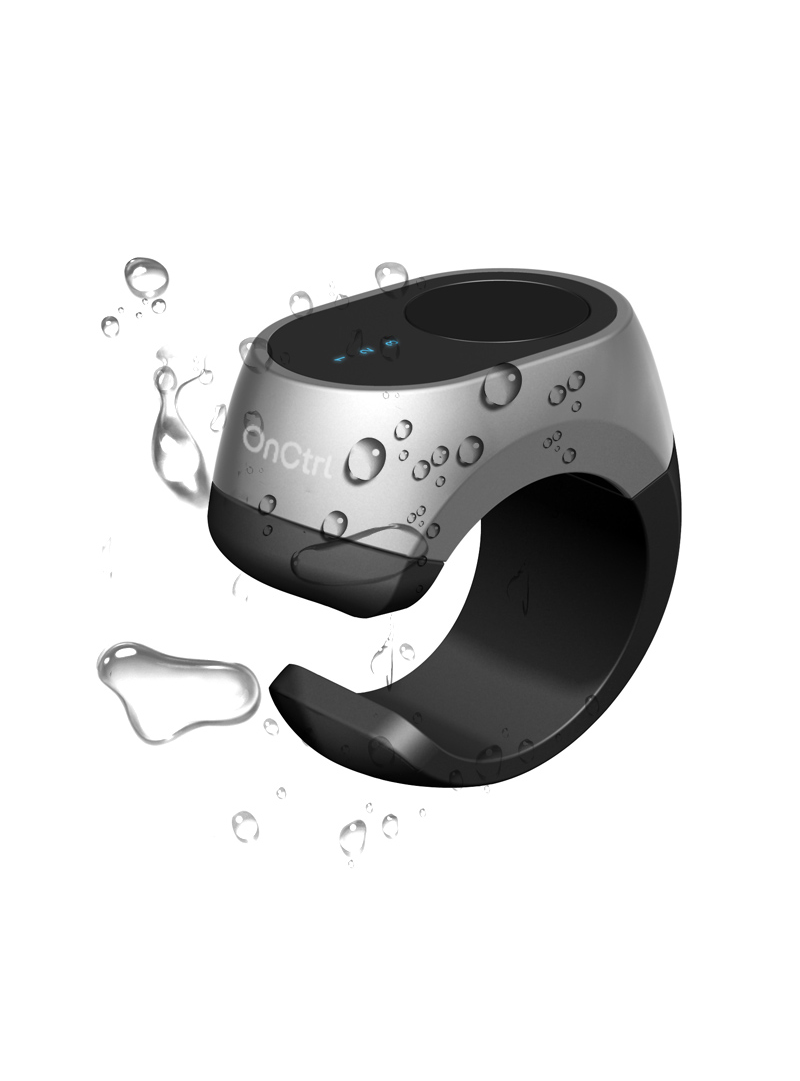

IP64, completely prevents dust ingress, protects against situations like light rain and sweat.
Specifications
Bluetooth Low Energy 5.3 Transmission
Frequency Range: 2402-2480MHzTransmit Power, up to 4dBm
Receive Sensitivity: -70dBm
Operation Range, at least 10m
Max Paired Bluetooth Devices: 3
Optical Touch Module
Motion Detection: CPI 50 to 3200 CPI, Typical @1000 CPITracking Speed: up to 24 inches/second
Battery
Rechargeable Lithium Battery 1x300811, total capacity 3.6V/17mAh,Battery Charging Current not more than 25mA.
Supports continuous work for 7 hours,
Low Power Mode for more than 72 hours
Battery not completely depleted for more than 1 month in shutdown mode
Charging time about 1 hour.
Note: If the device is not used for a long time, please charge it at least once every 6 months!
Operating Temperature
Product operating temperature range is 0°C to 45°CStorage Temperature
Product storage temperature is -40°C to 80°C